
Identity stays primary
Faces, age cues, clothing and the number of people are review points, not details the model is free to redesign.
Digital conservation desk
Repair scratches, folds, fading and noise while preserving the people, period and monochrome character of the original photograph.
Conservation principles
Old photographs carry identity, context and physical evidence. The workflow is designed around visible interventions and a careful final review.
Faces, age cues, clothing and the number of people are review points, not details the model is free to redesign.
One fixed restoration profile handles scratches, folds, fading and noise without exposing controls the production model does not support.
The production route returns a fixed 2K result. Inspect it at 200% before making a print derivative.
Verification archive
Each comparison pairs an actual test input with a saved Nano Banana Pro result that passed side-by-side release review.
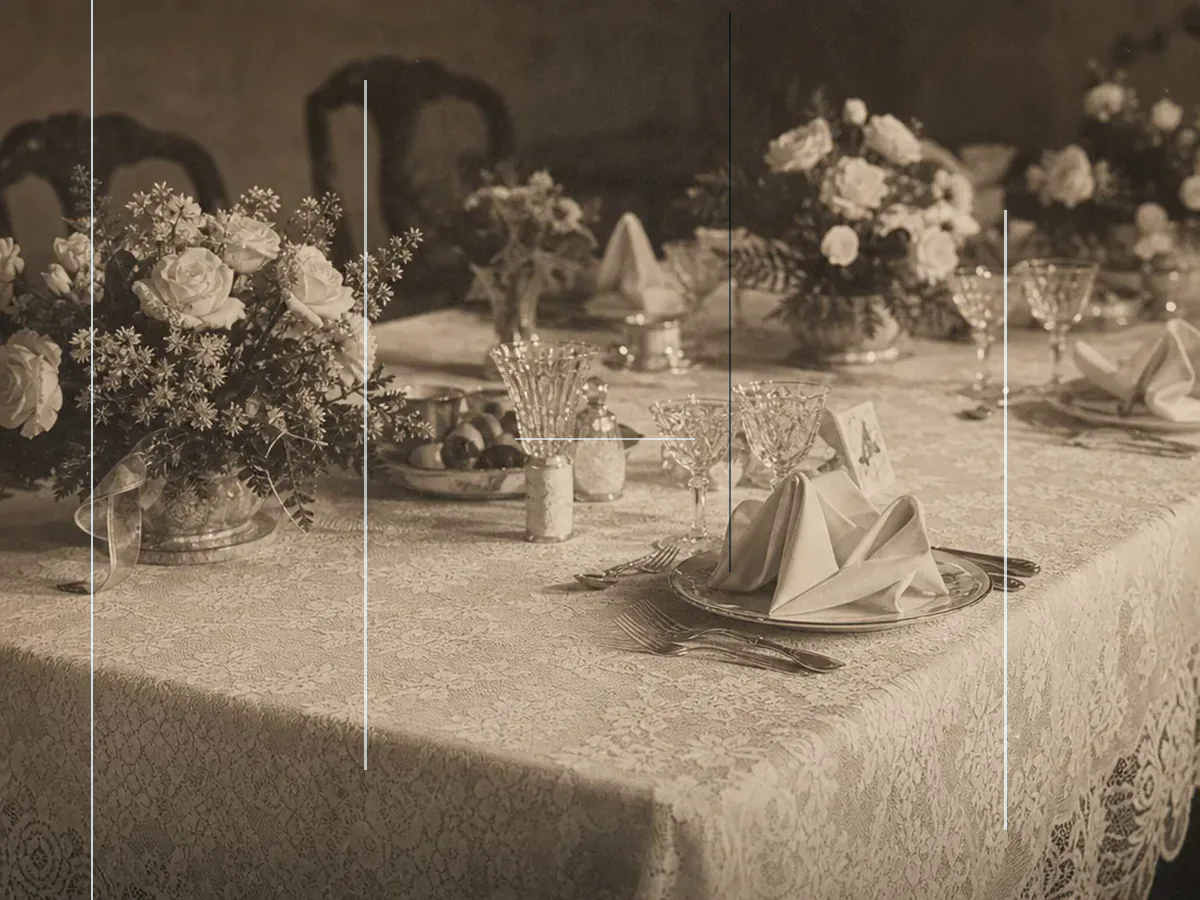
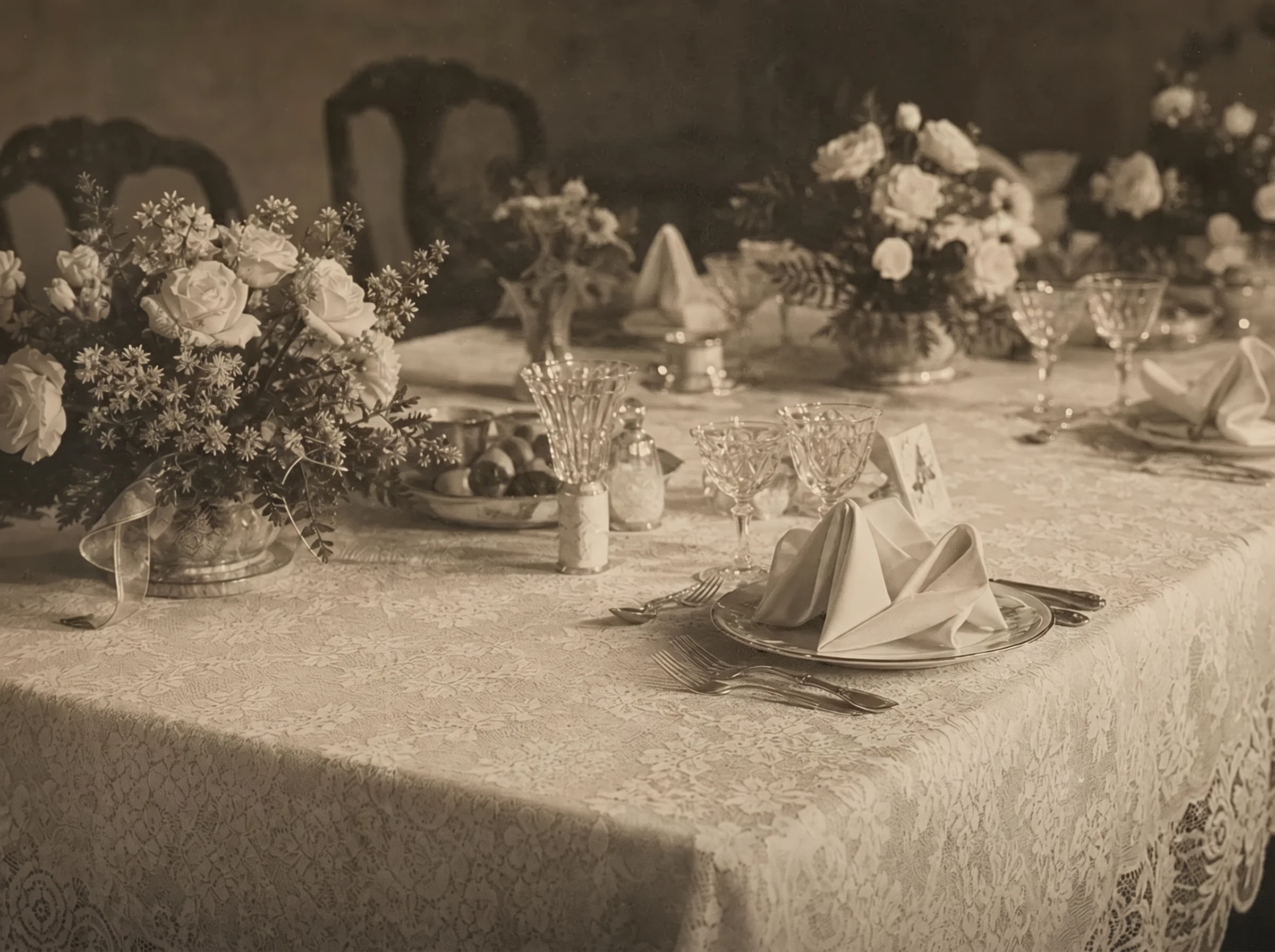
Case 01
Creases and surface scratches
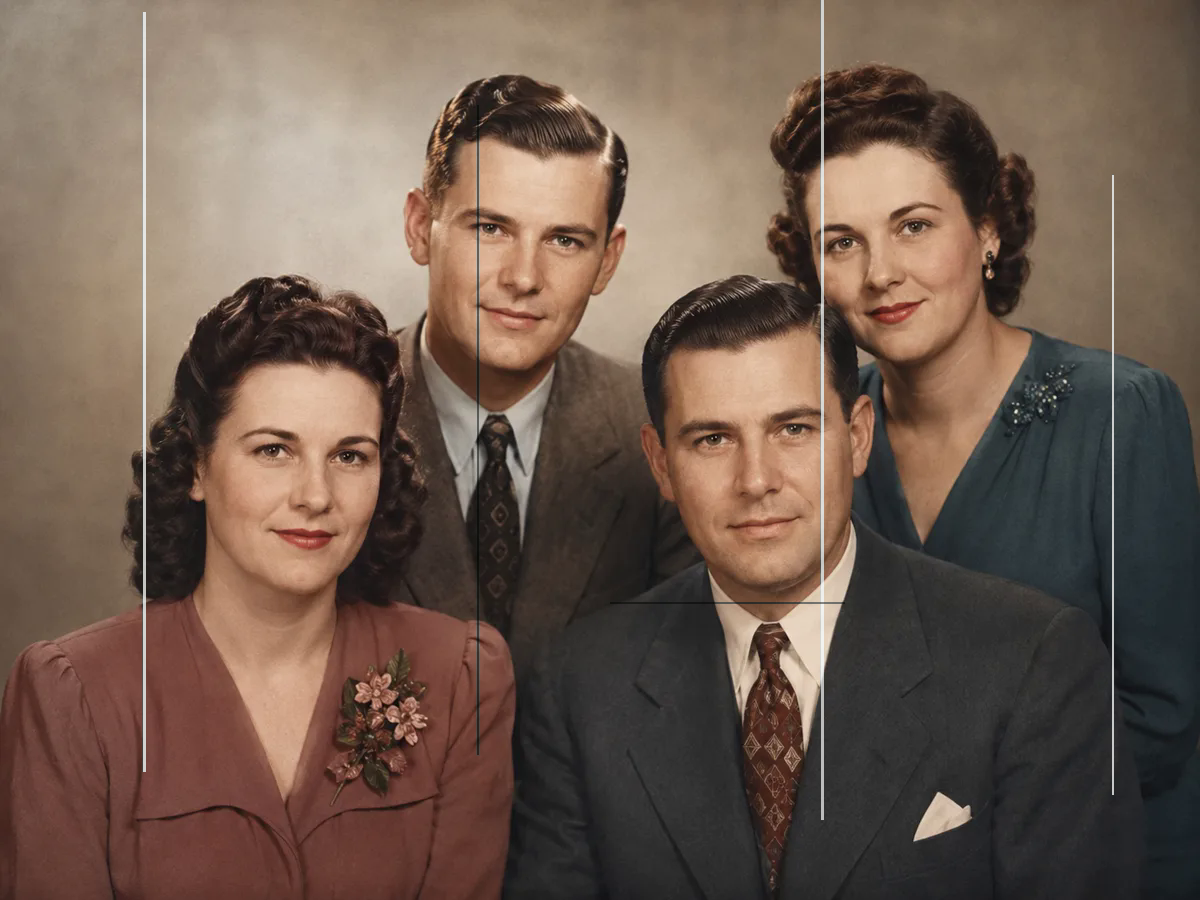
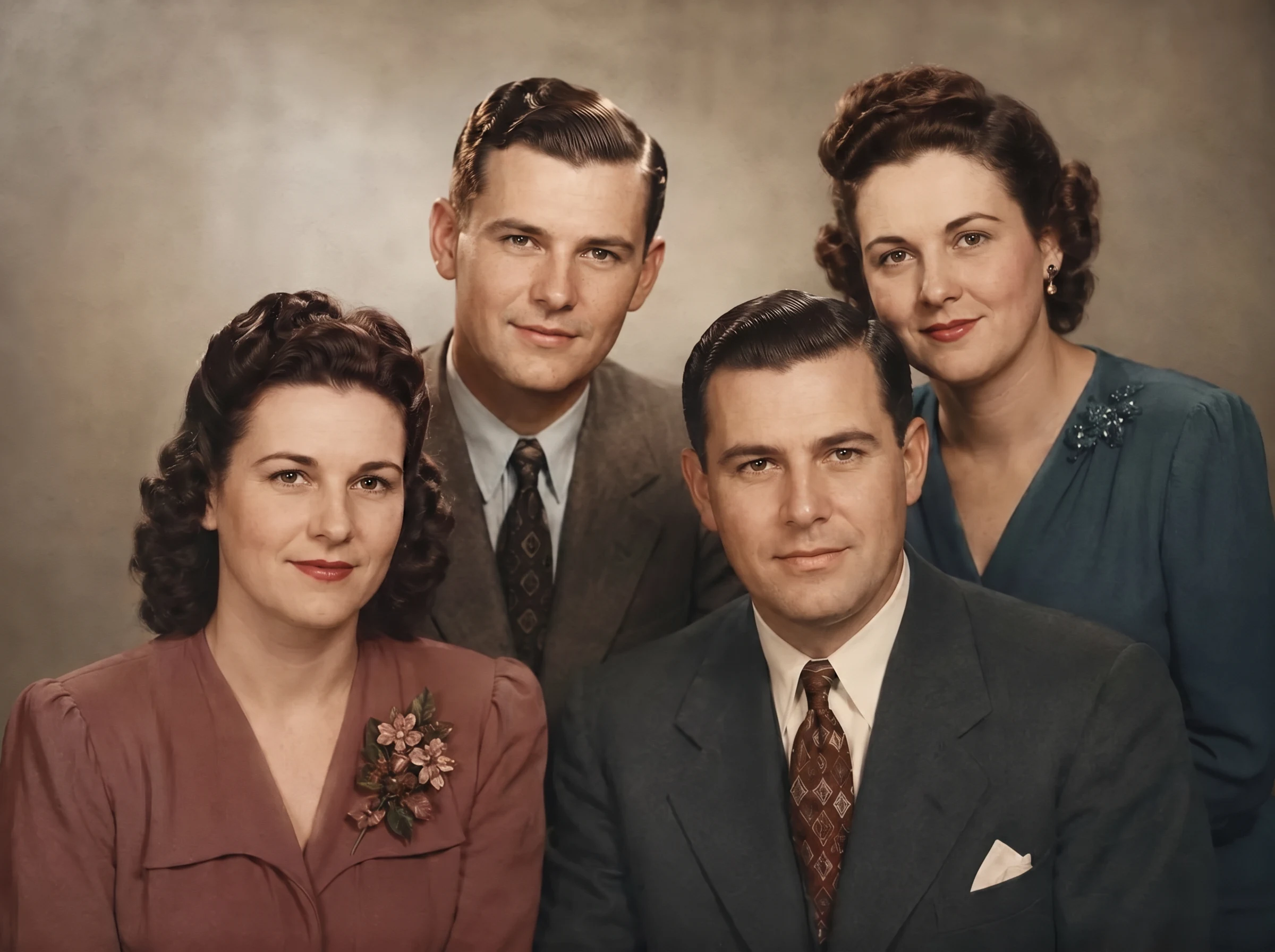
Case 02
Multi-person identity check
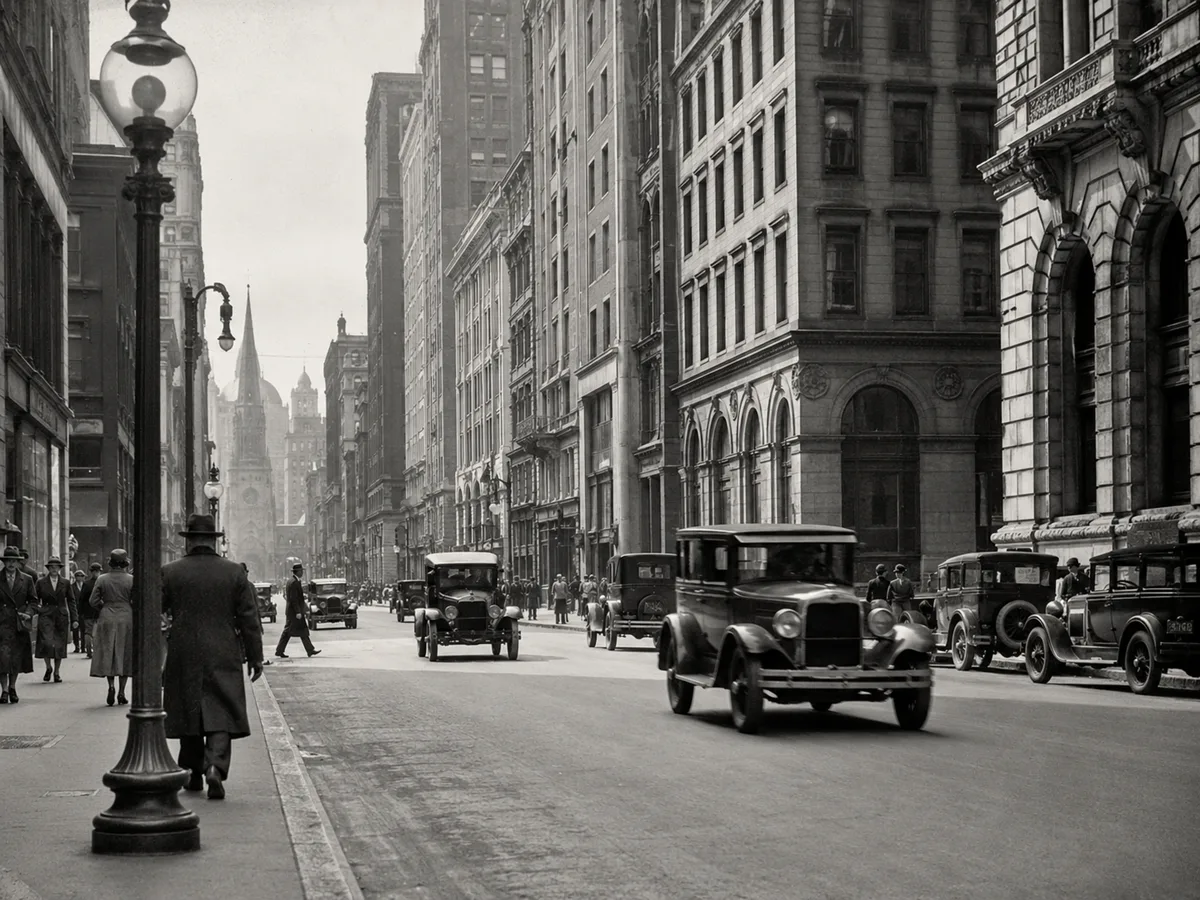
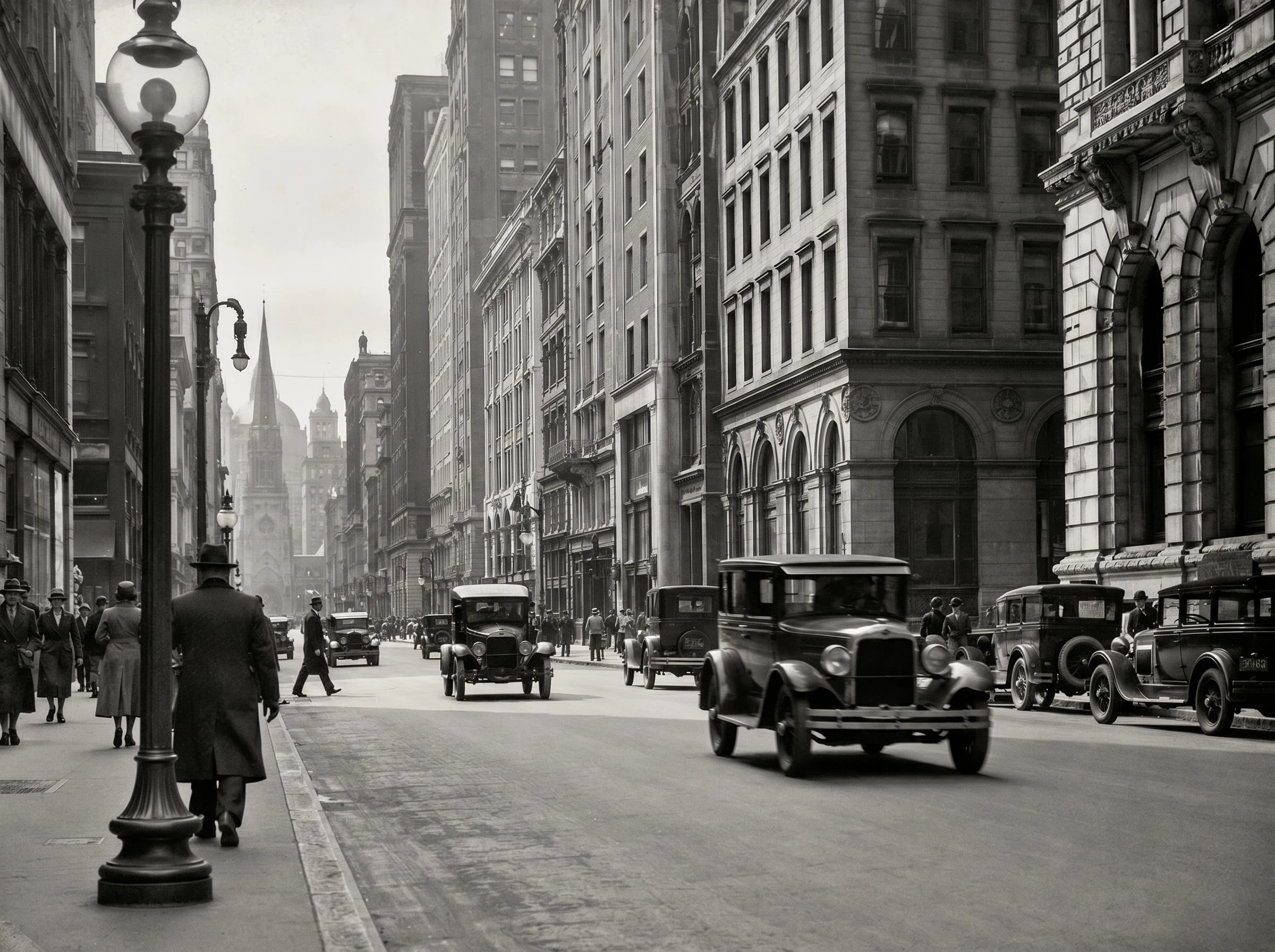
Case 03
Architecture and fine detail
These comparisons use saved Nano Banana Pro outputs from the release POC. Fine or missing details can be AI-inferred, so results are restorations rather than forensic reconstructions.
Archival disclosure
AI can infer pixels where a print is torn, stained or missing. The result can help a family view the image, but it cannot prove what the lost area originally contained.
Never overwrite the untouched scan. Store it beside the restored derivative.
Keep the task ID and record that the derivative was produced with the fixed AI restoration profile.
Review faces, fingers, lettering, borders and reconstructed regions before print.
Three-step workflow
A careful source scan and a disciplined review matter as much as the restoration model.
Scan the complete print, including borders, dates and handwritten notes. Avoid glare and perspective distortion.
The verified model applies one conservative 2K restoration route with no silent fallback or unsupported switches.
Compare people, text, architecture and repaired gaps. Keep the untouched scan beside every restored derivative.
Restoration notes
The safest workflow separates restoration, colorization and the untouched original.
Keeping these tasks separate preserves a clean monochrome restoration and makes every AI intervention easier to understand, compare and archive.