
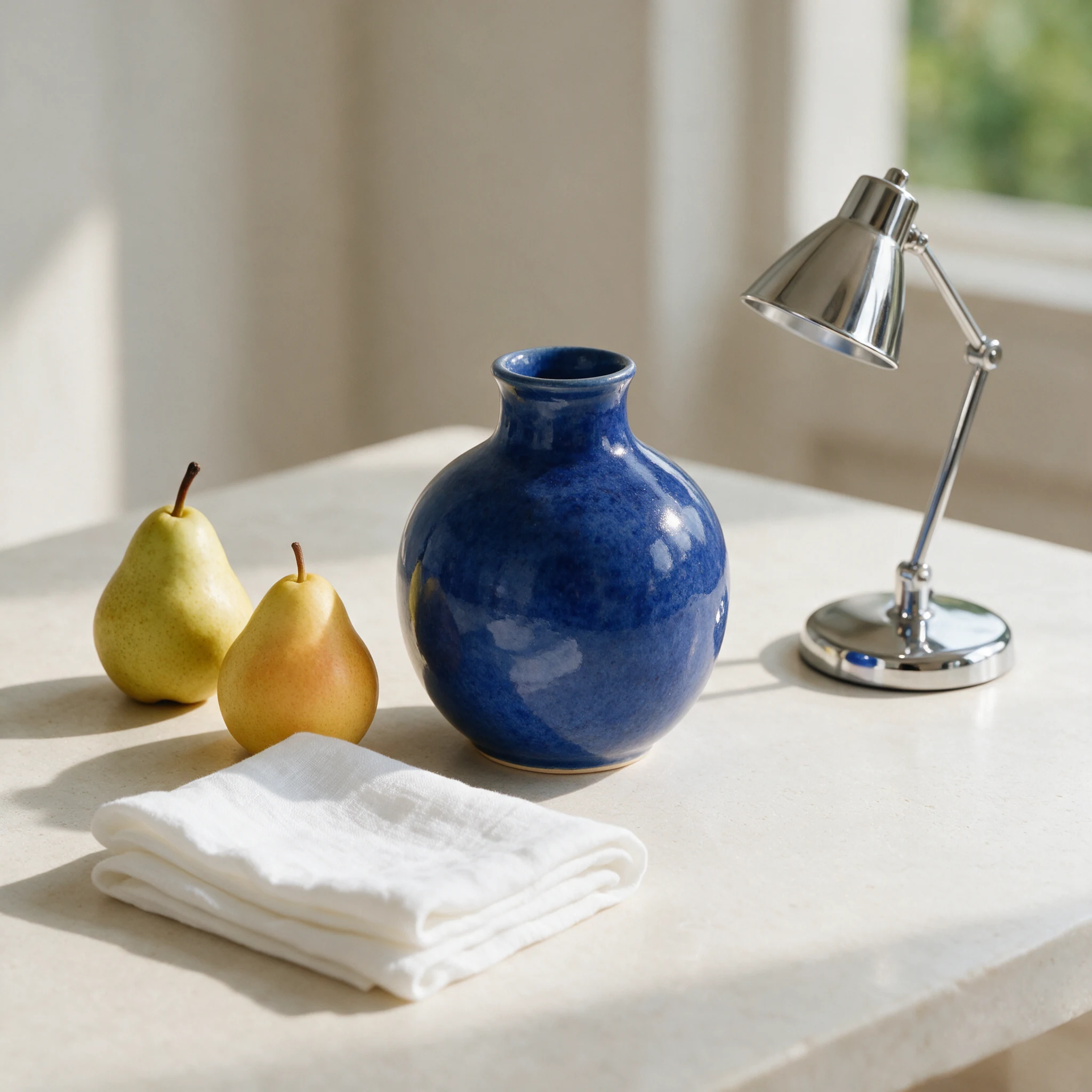
Objects
Material-aware product concepts
Describe surface, light, placement, and lens language for more deliberate product imagery.
AI creation studio
Shape the composition, creative direction, and output quality before generating a persistent, downloadable image.
Prompt-first workflow | persistent task recovery | downloadable results
Start from a direction
Creative direction
Write a visual brief, choose the output controls, then generate a new image.
Output controls
Believable light, materials, and color.
Creative directions
Use the same controlled workflow across product concepts, architectural scenes, and campaign-ready visuals.
Objects
Describe surface, light, placement, and lens language for more deliberate product imagery.
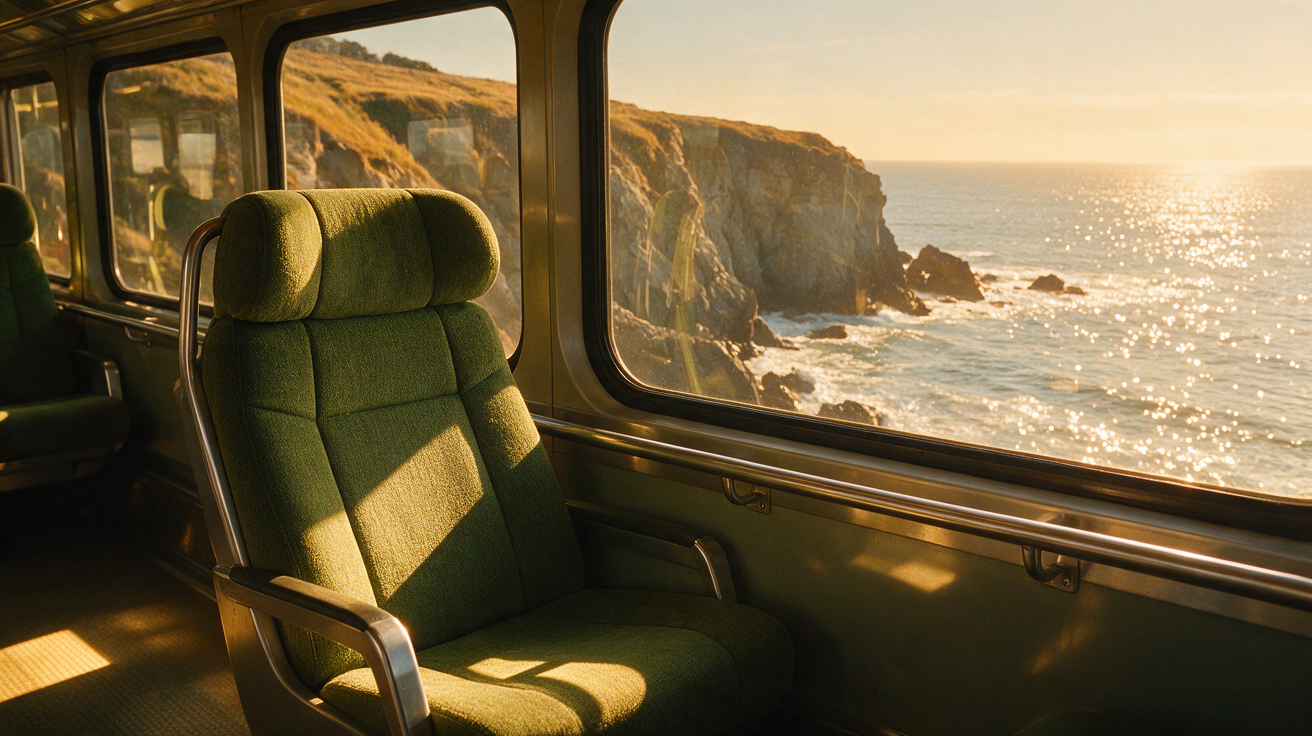
Spaces
Explore layout, atmosphere, and believable material combinations in one visual brief.
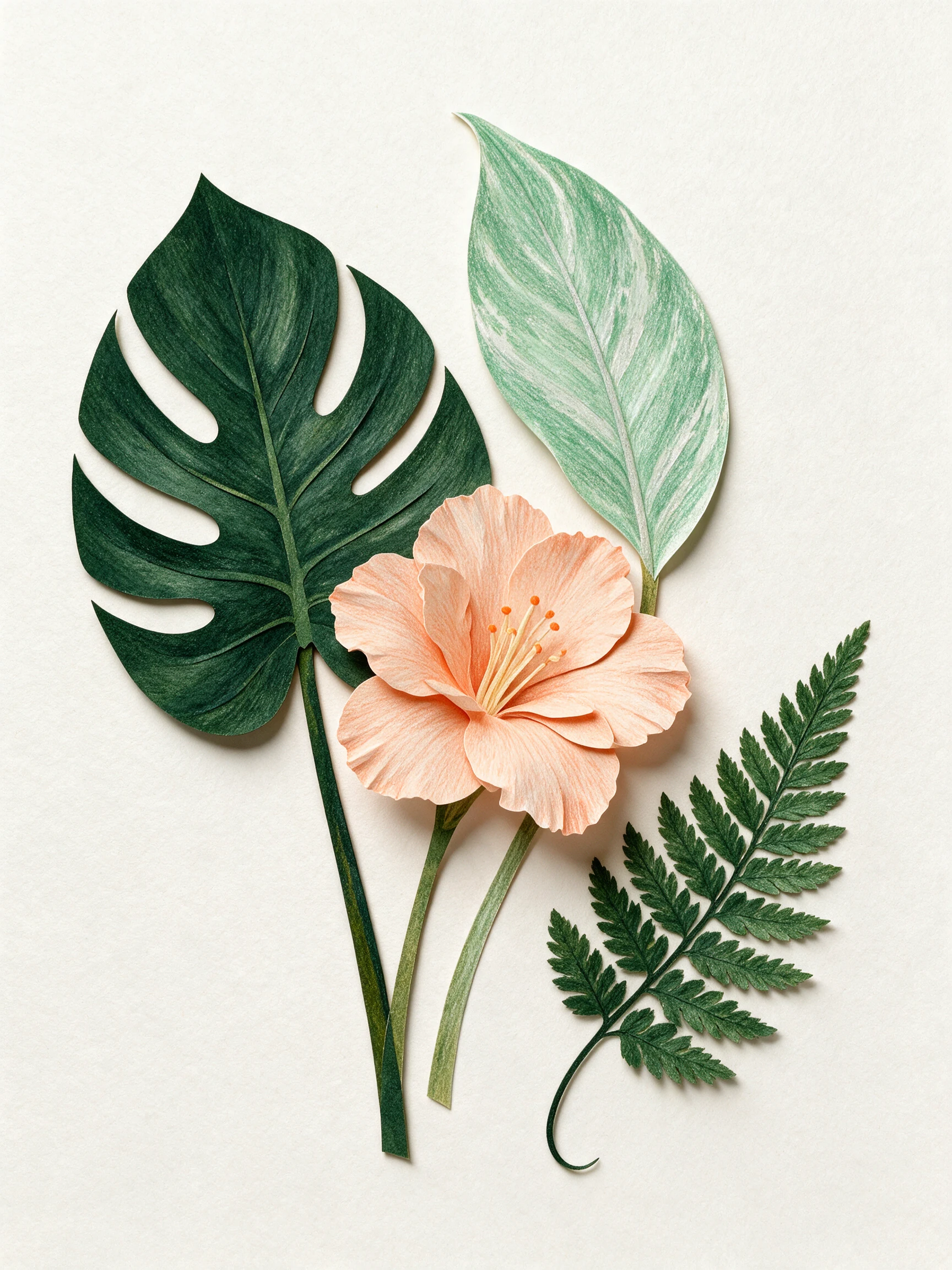
Campaigns
Create a clear hero image direction for social, editorial, and presentation use.
Controlled generation
Choose square, wide, or portrait output before generation.
Style presets extend the prompt with a transparent, predictable direction.
Select basic for iteration or high for final-detail rendering.
Refresh or close the page without losing a charged task.
Three-step workflow
Name the subject, environment, lighting, materials, and mood.
Choose ratio, direction, and quality before credits are charged.
Inspect, download, or return later through task history.
Generator FAQ
A strong brief names the subject, composition, lighting, materials, color direction, and intended use without conflicting instructions.
Basic is faster and costs fewer credits. High targets more detail and costs more per completed image.
Yes. The provider task ID is saved locally and the task also appears in your image history.
Terminal failed or canceled tasks are reconciled and refunded automatically. Temporary polling interruptions remain resumable.
Open the studio, choose the frame and quality, then generate a result you can revisit and download.